How to Install and Set Up the StreamAlive Chrome Extension
Written By Team Streamalive
Last updated 11 months ago
[ChromeExtension] How to Install and Set Up the StreamAlive Chrome Extension
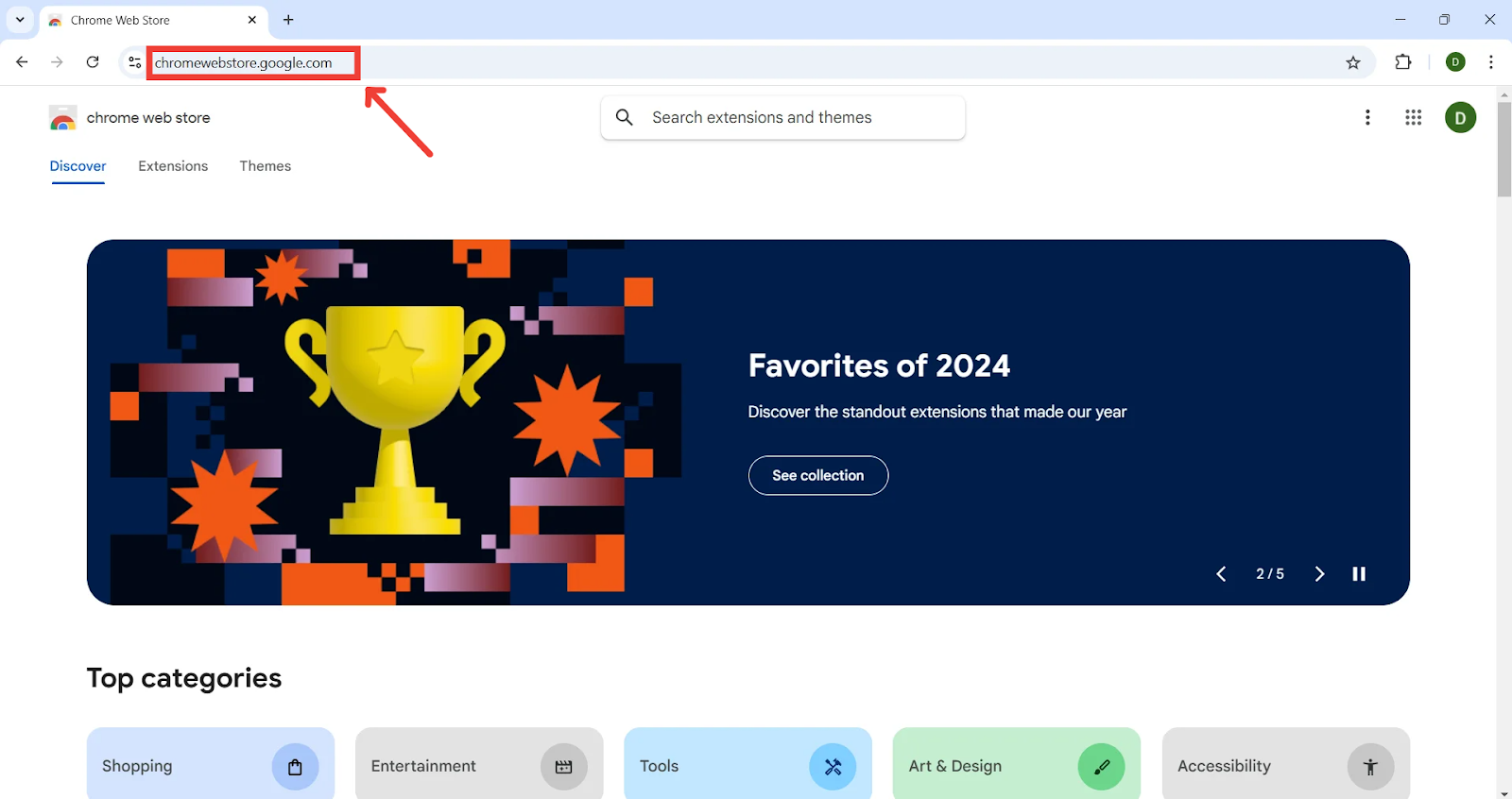
Step 1: Open the Chrome Web Store
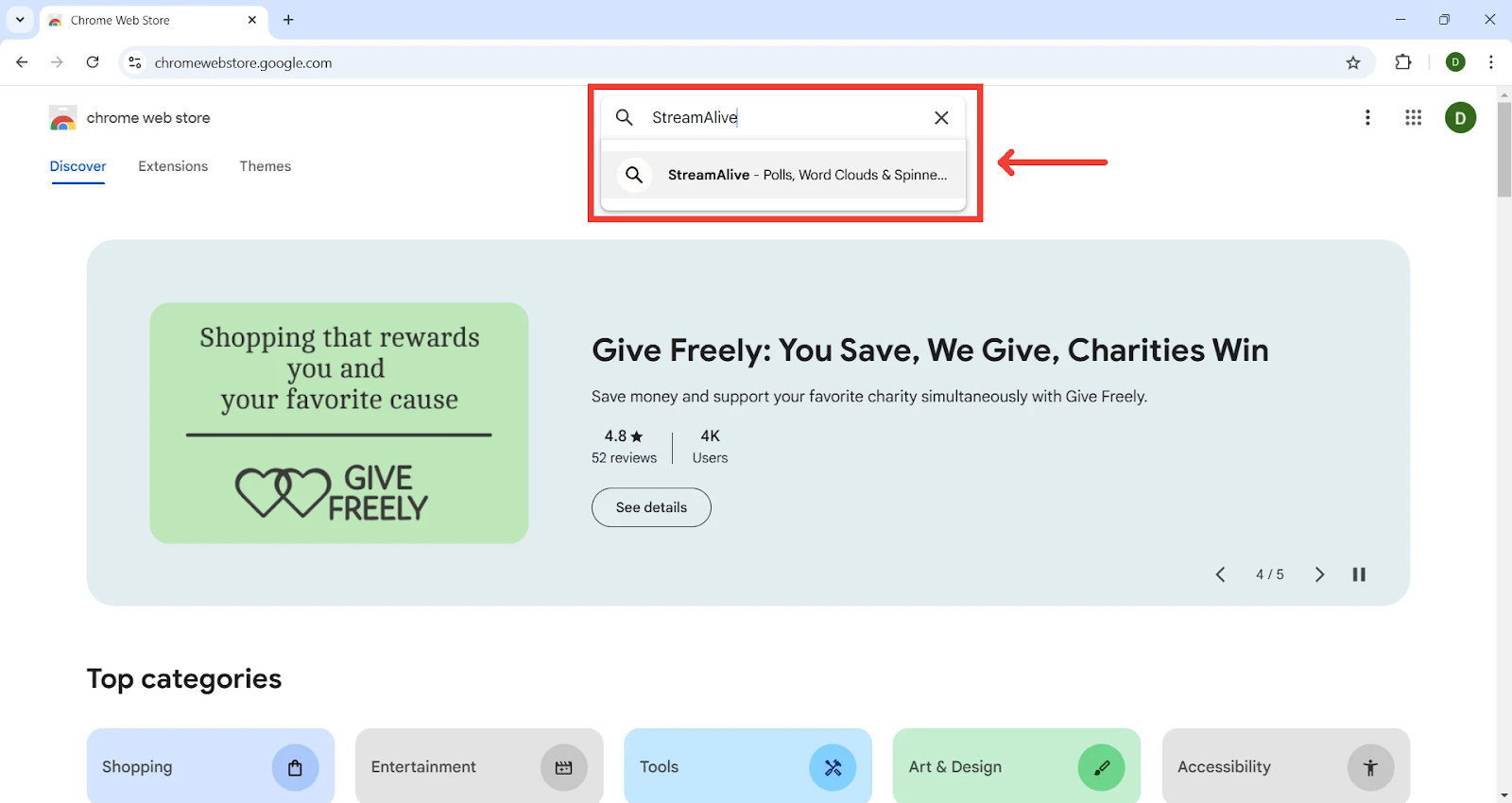
Step 2: Find the StreamAlive extension
Search for StreamAlive in the search bar.
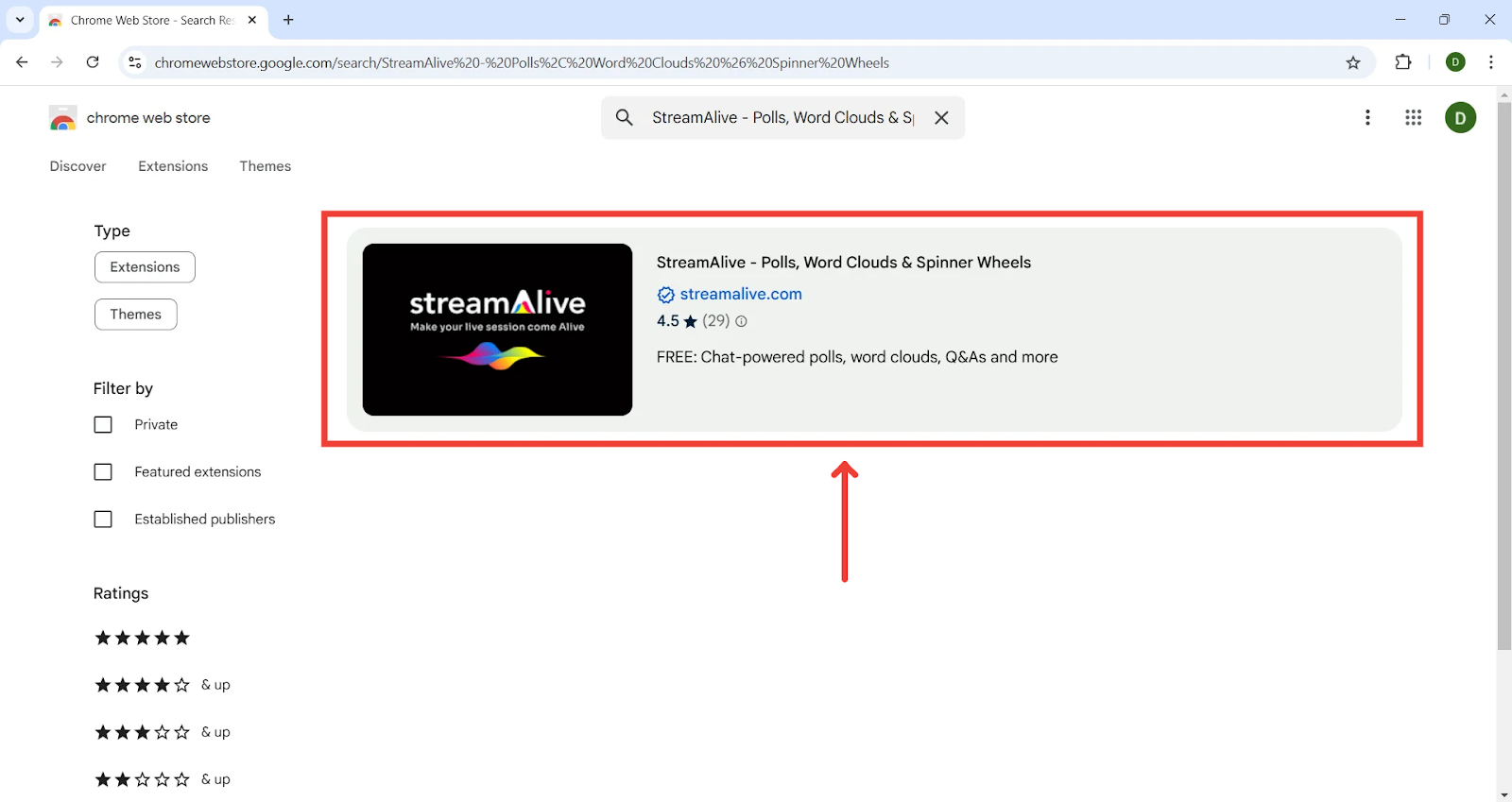
Step 3: Click on the StreamAlive listing
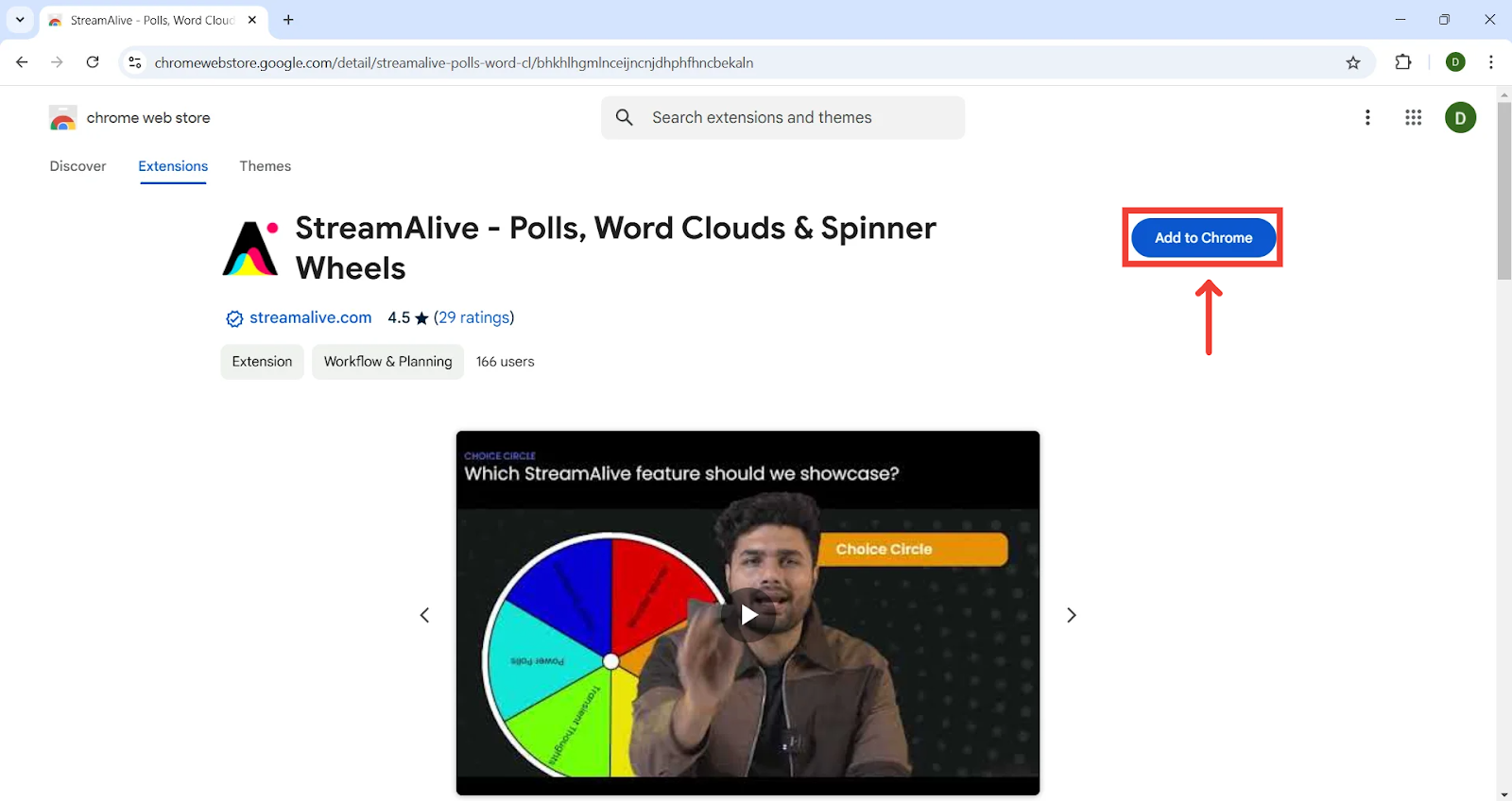
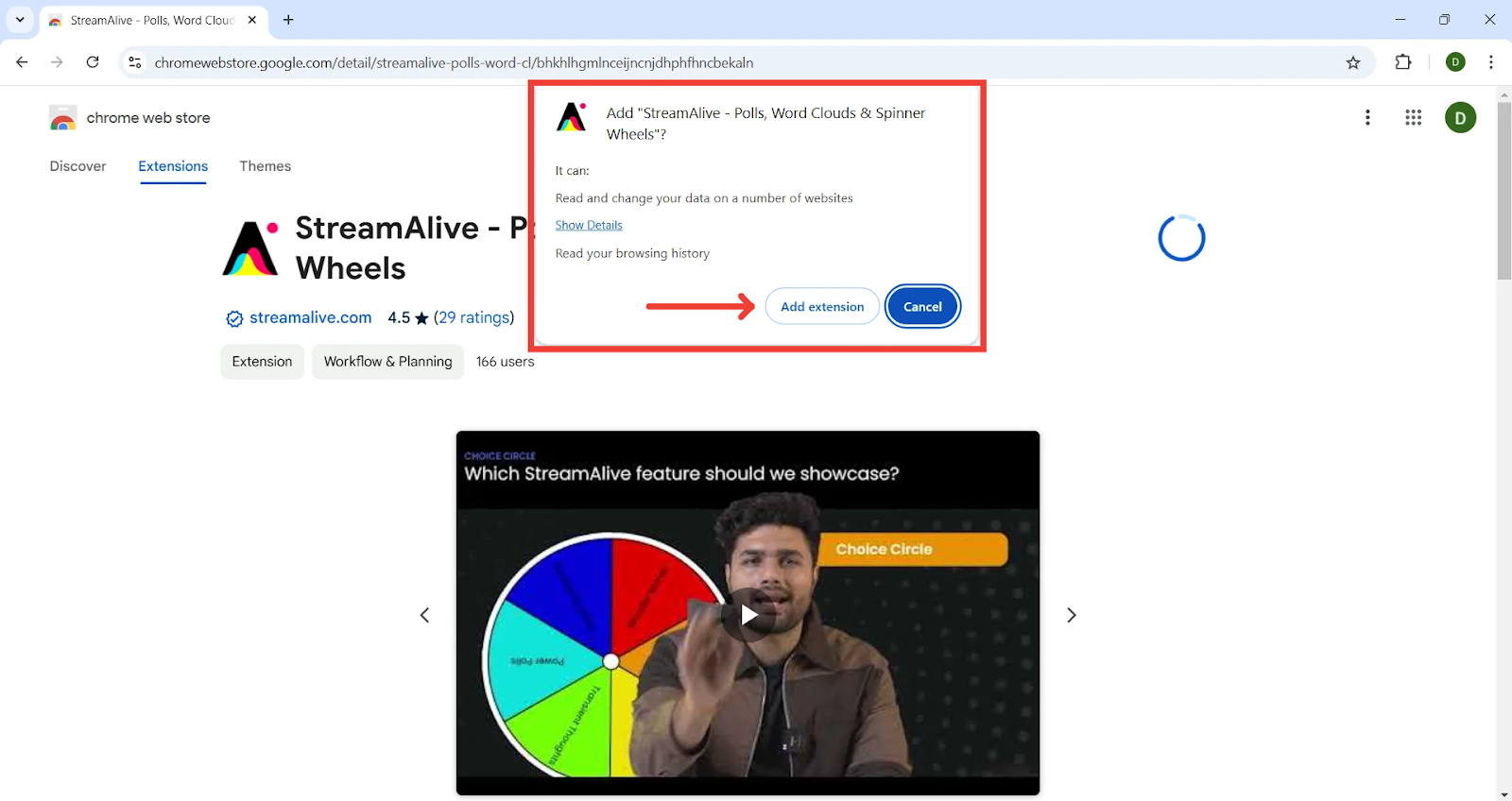
Step 4: Add the extension to Chrome
When you find the StreamAlive extension, click on its icon or name. This will open the extension's detail page. On the detail page, click the blue "Add to Chrome" button. A confirmation window will pop up. Click on "Add extension" again.
Step 4: Pin the extension to your browser
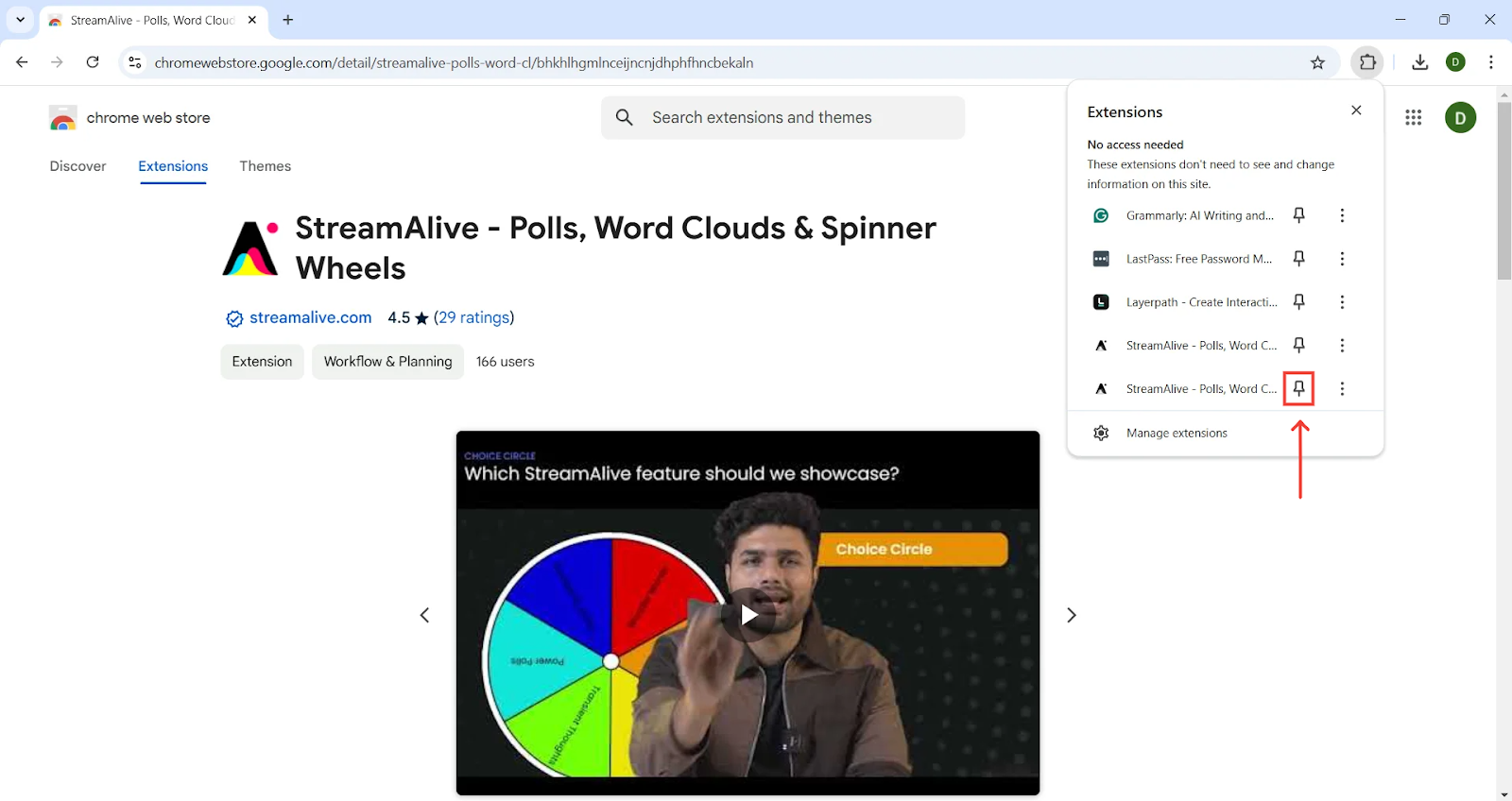
Step 5: Enjoy your new extension!
To learn how and which platforms you can connect to using StreamAlive's Chrome Extension, click here