Authorizing StreamAlive access to your Microsoft Teams
Written By Team Streamalive
Last updated 12 months ago
Why Authorize Your MS Teams Account?
Authorizing your MS Teams account with StreamAlive unlocks a smoother and more integrated experience, especially when joining meetings. By granting StreamAlive permission, you can bypass the need to manually register the bot for these sessions, allowing you to seamlessly use StreamAlive's interactive features.
How to Authorize Your Teams Account?
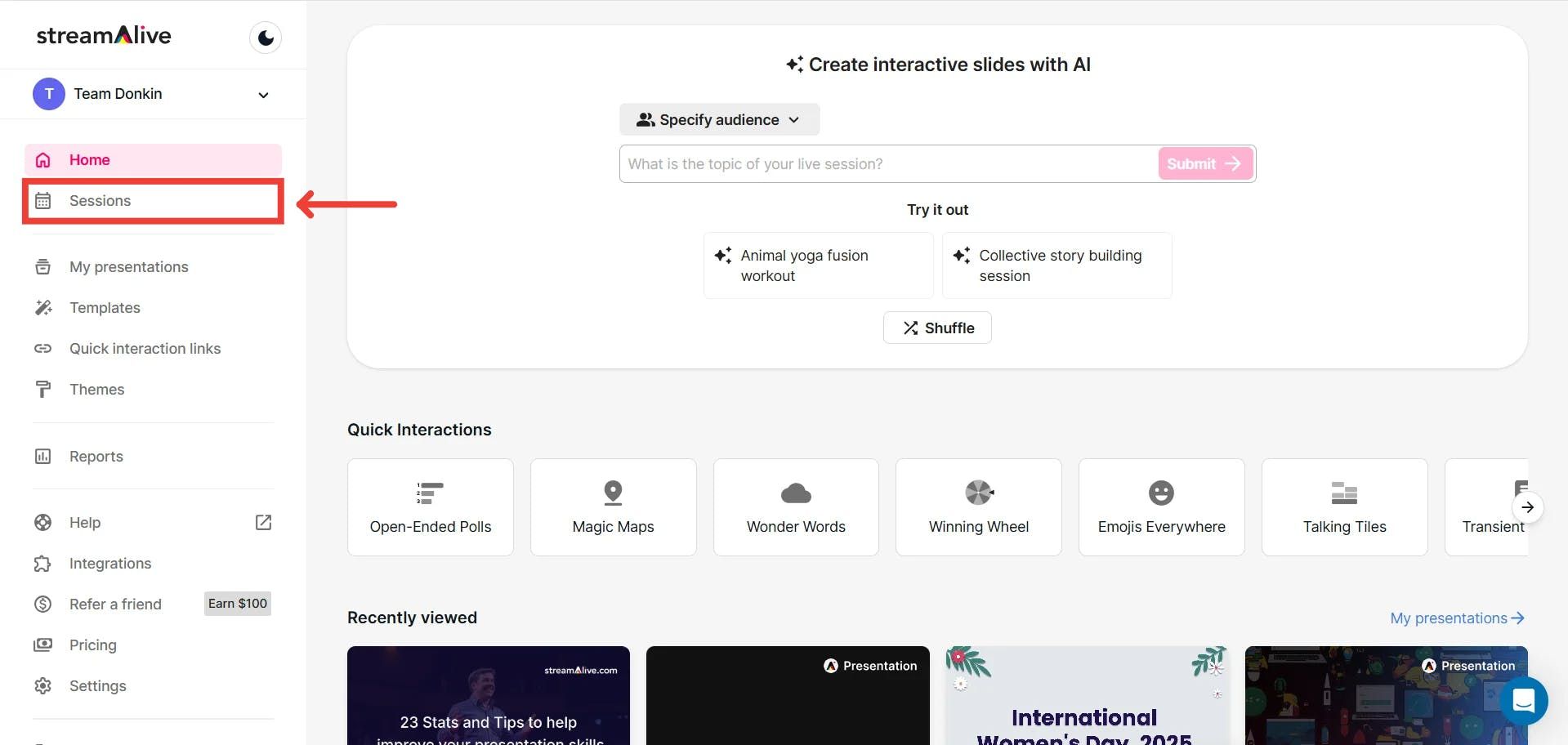
Go to Sessions
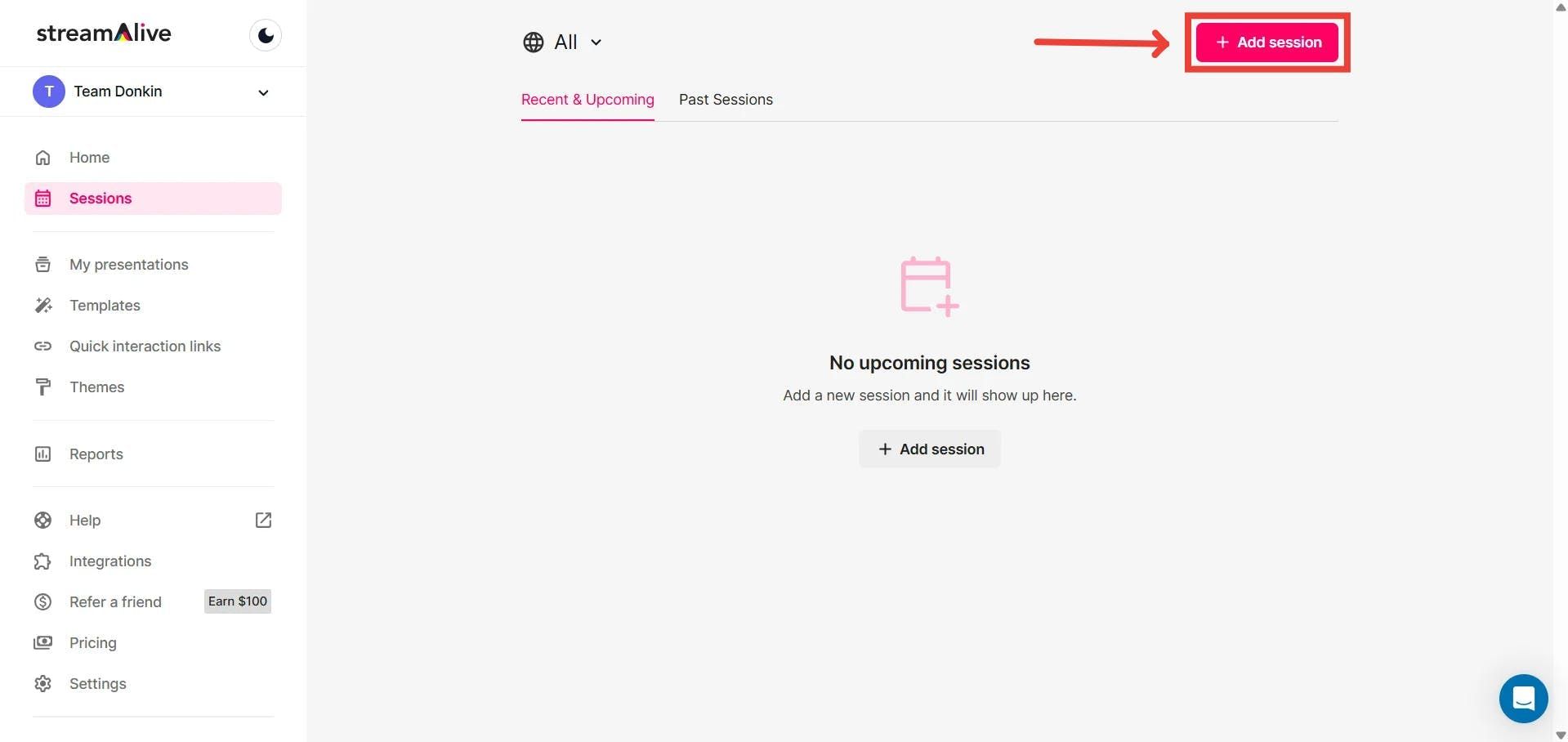
Add a new session
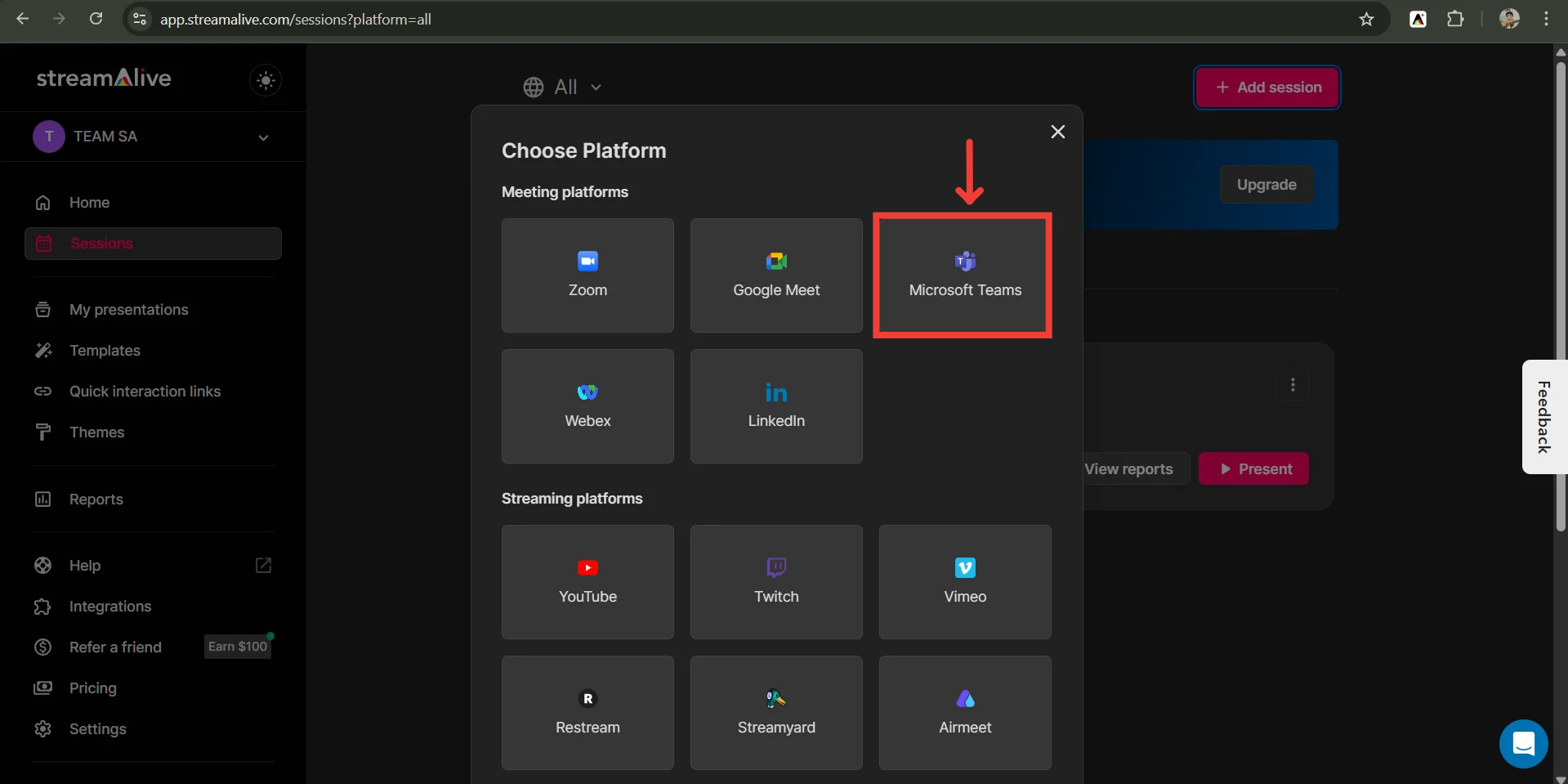
Select Teams as the platform
Now, click on “Authorize”
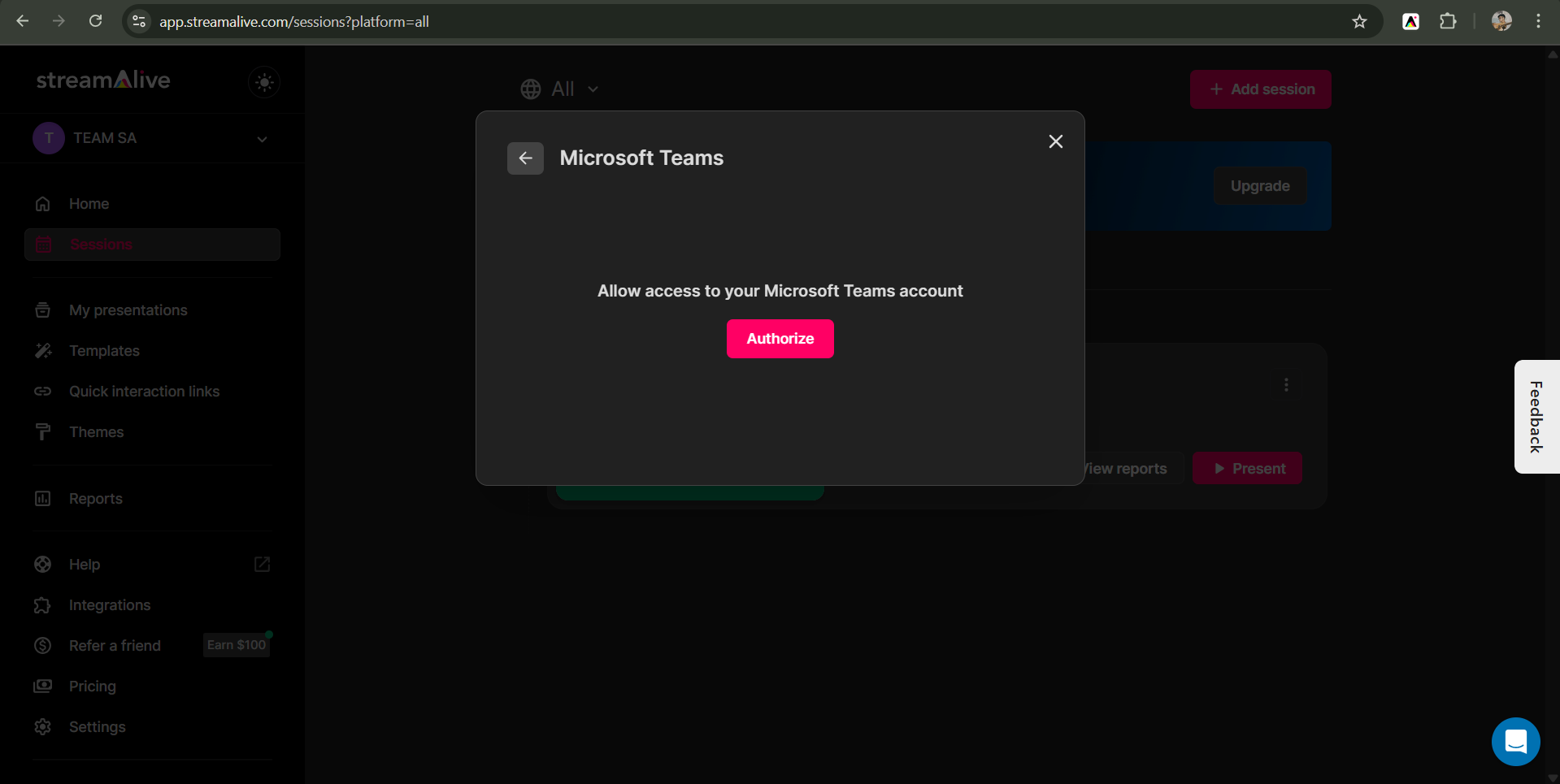
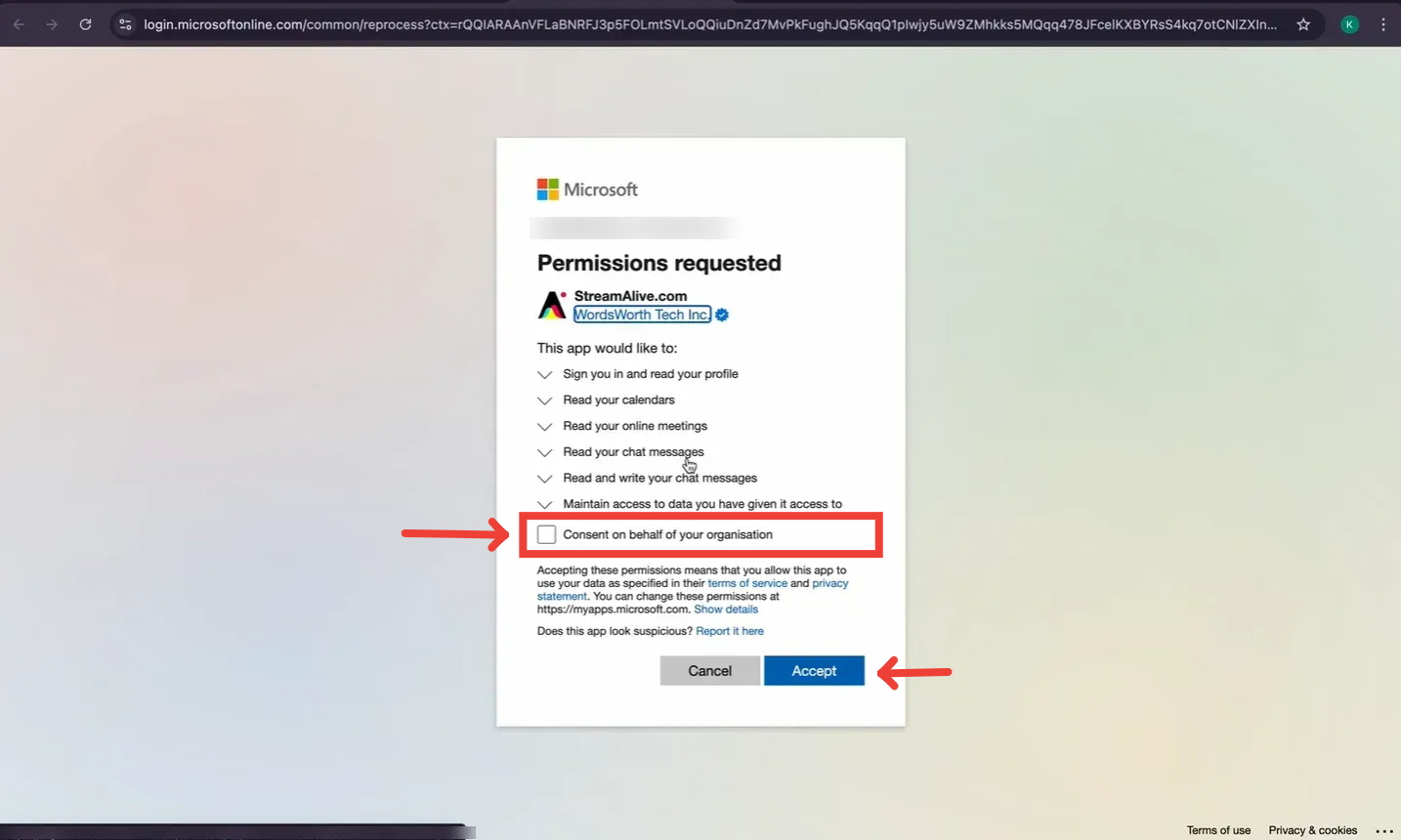
Review Permissions: On the Teams authorization page, you will see a list of permissions that StreamAlive is requesting. Review these permissions carefully.
Once done, click on Allow
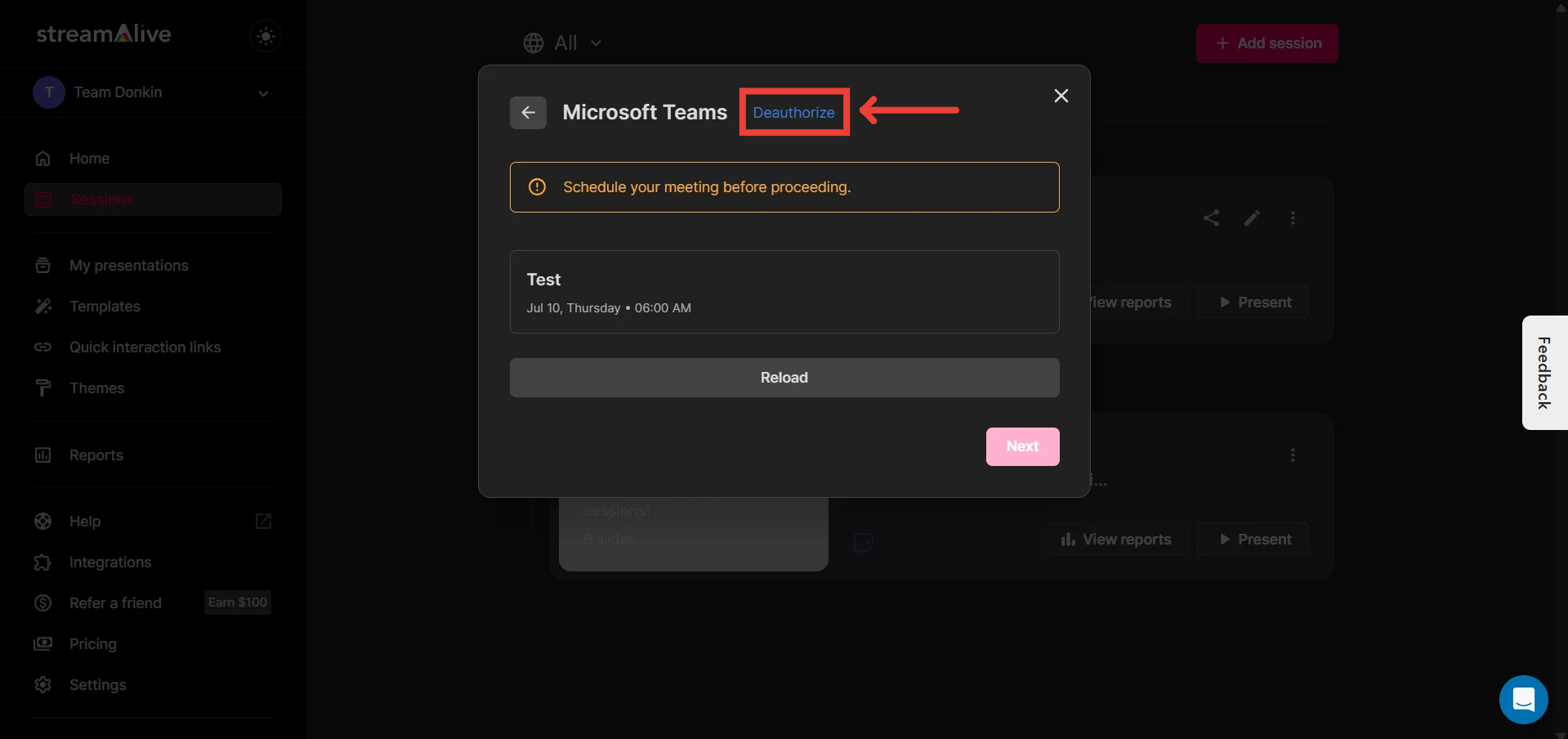
You can de-authorize whenever you'd like